¶ Problem Description
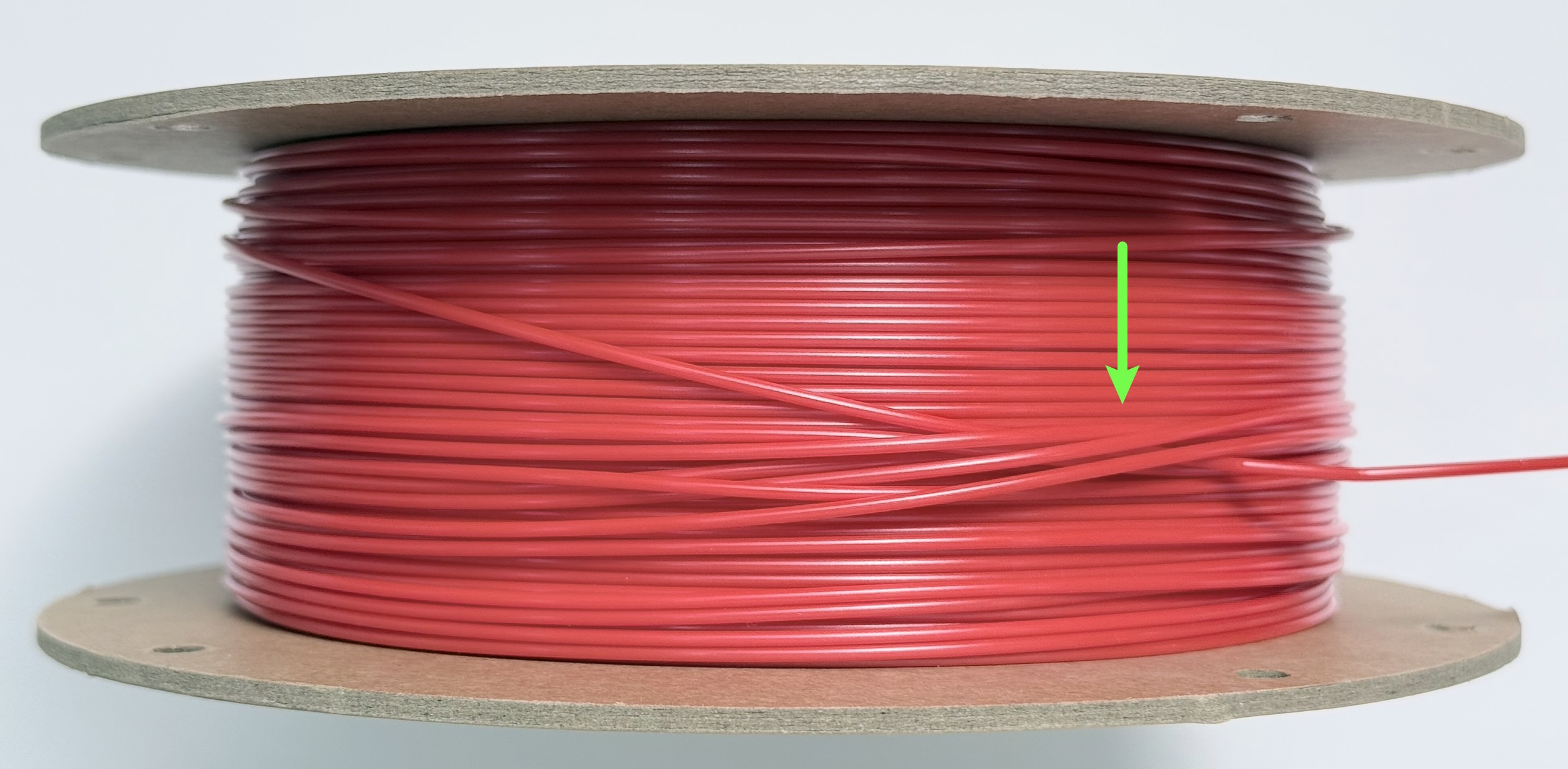
The spool is obstructed from turning, the filament is stuck or pulled tight, or the filament coils are visibly crossed over each other.
¶ Possible Causes
(1) After being moved, dropped, or squeezed, the previously neat filament coils on the spool loosen and shift out of alignment.
(2) When unloading or changing filament, the loose end was not secured, causing it to spring out and slip underneath or across other coils on the spool.
¶ Solution
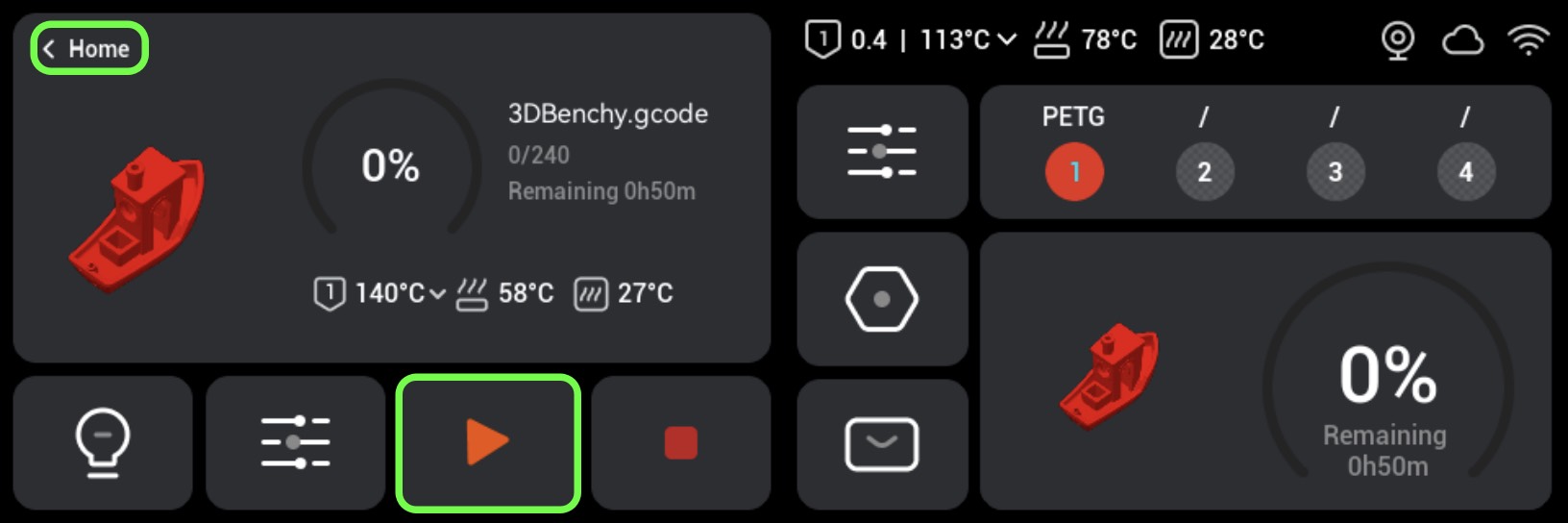
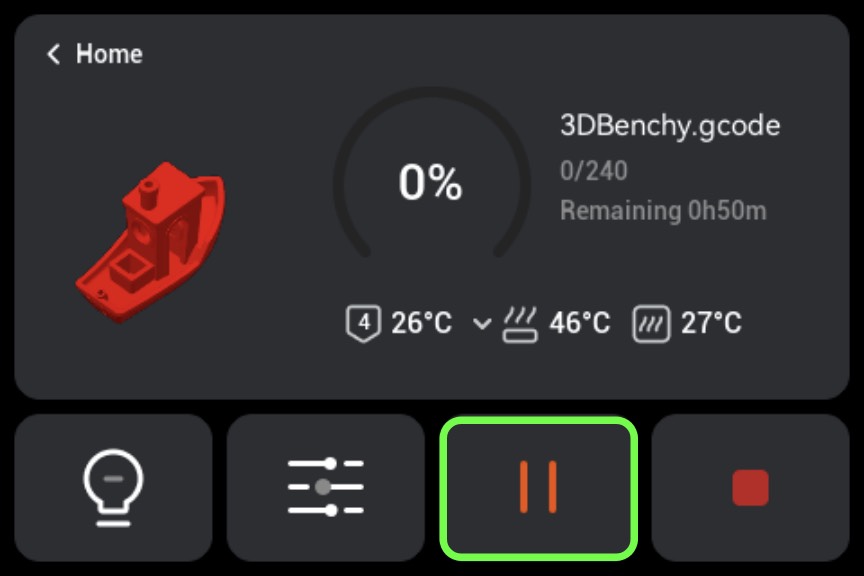
If a print job is currently in progress, tap Pause and back to the home interface.
(1) Refer to the Automatic Filament Unloading Instructions to unload the tangled filament and remove the spool.
(2) A tangled spool typically shows the outer coil passing underneath the inner coil, repeating this pattern several times to form an interlock. To untangle it, locate the section of outer filament that passes under the inner coil and pull it back out in the direction it went in; repeating this a few times will fully untangle the spool.
(3) Wind the filament back onto the spool, coil by coil.
(4) Reinsert the filament into the feeder and tap Resume Print.
¶ Preventive Measures
(1) When rewinding filament, always hold onto the loose end to keep it from springing out and falling into other coils. After removing the spool, use the hole on the spool to secure the loose end.
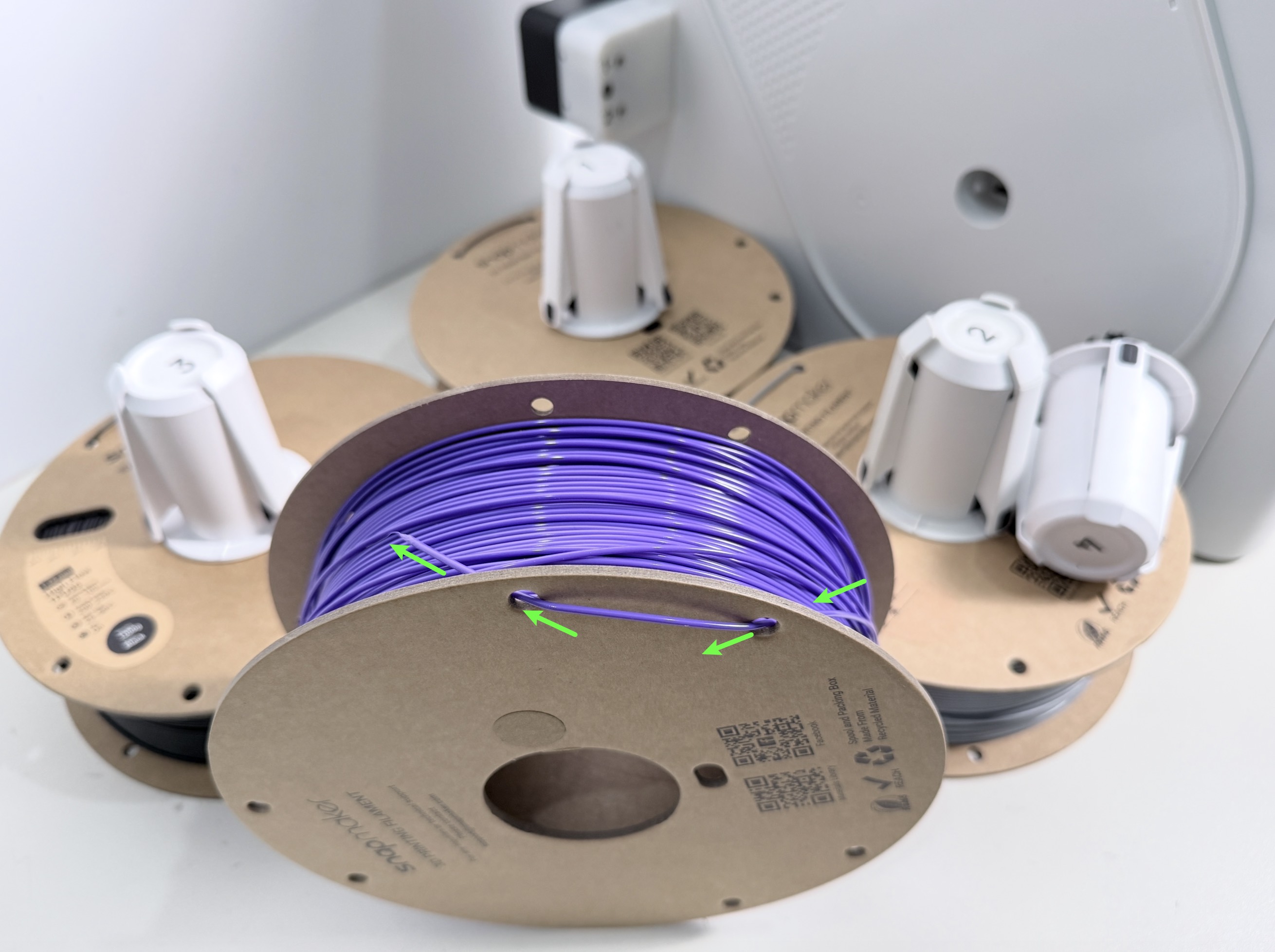
(2) Avoid dropping, squeezing, or shaking the spool heavily when transporting or storing it. If the outer coils appear loose or crossed before printing, straighten them out before use.
¶ Endnote
If your issue remains unresolved, please contact technical support, our dedicated support team will be more than willing to assist you in resolving the issue.
If you have any suggestions or feedback about this wiki, feel free to leave a comment below. Every piece of feedback helps us improve our documentation.